Skip to content

Properties, rooms
and residents,
managed in one place.

Scroll
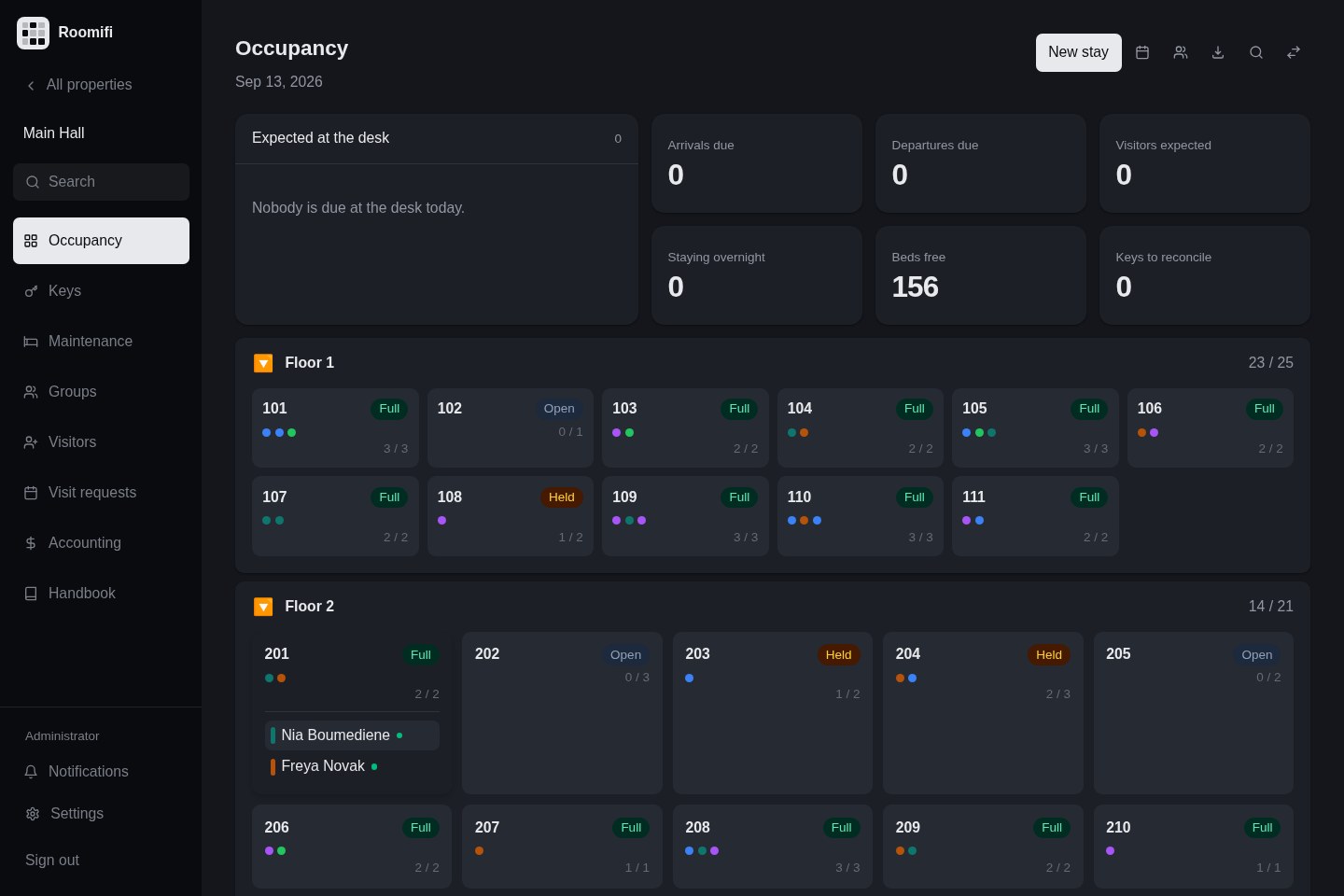
Occupancy at a glanceRoomifi / Occupancy
Roomifi occupancy workspace with room cards, residents and the front desk overview

Meet Roomifi

Manage the building.
Handle the day-to-day.

01 Your portfolio

Track occupancy
across properties.

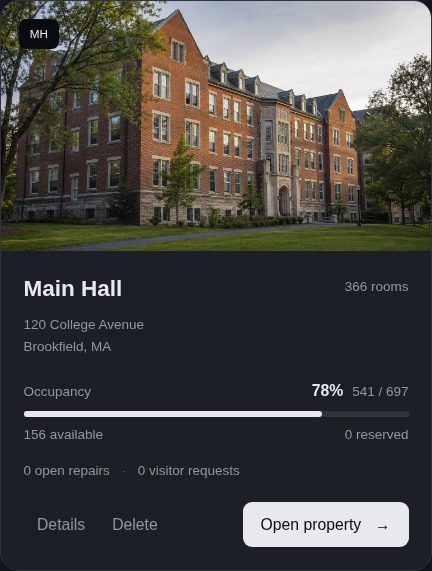
See occupancy, available places and open repairs across your properties.
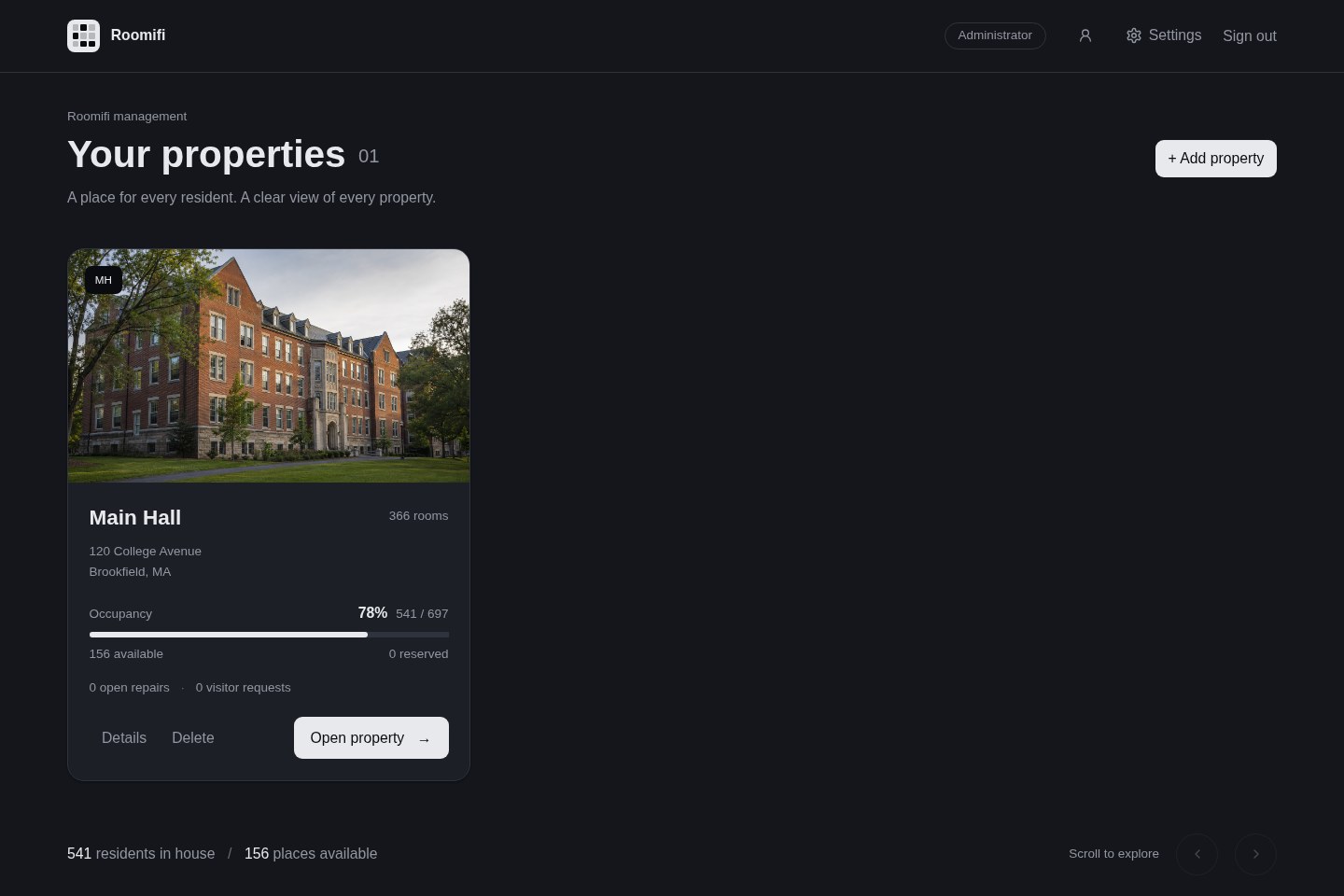
The Roomifi portfolio with building photos, occupancy and availability
A closer view of Main Hall with its occupancy meter, available places and open repairs

02 Room by room

Manage rooms
and bookings.

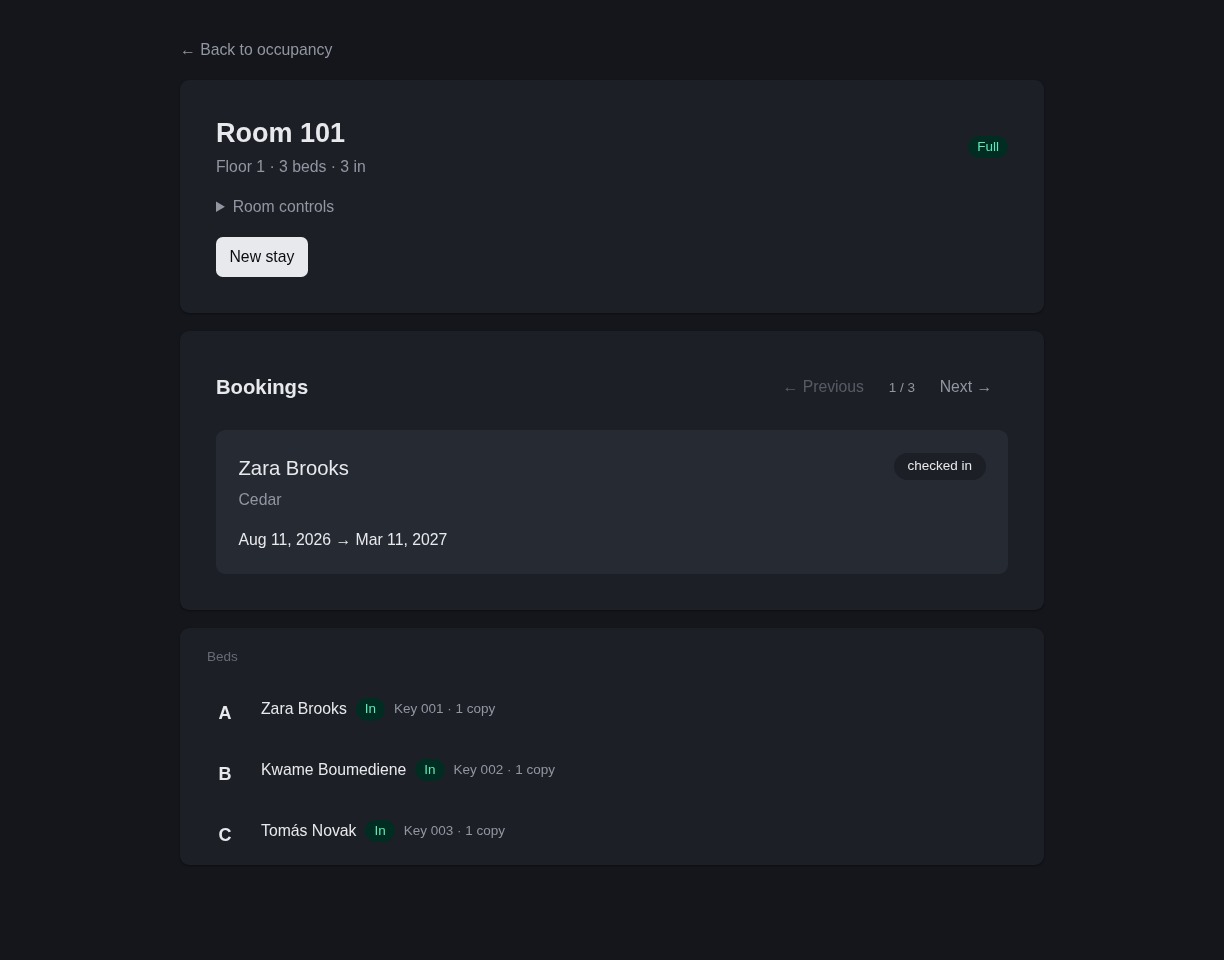
Manage beds, availability and bookings for each room.
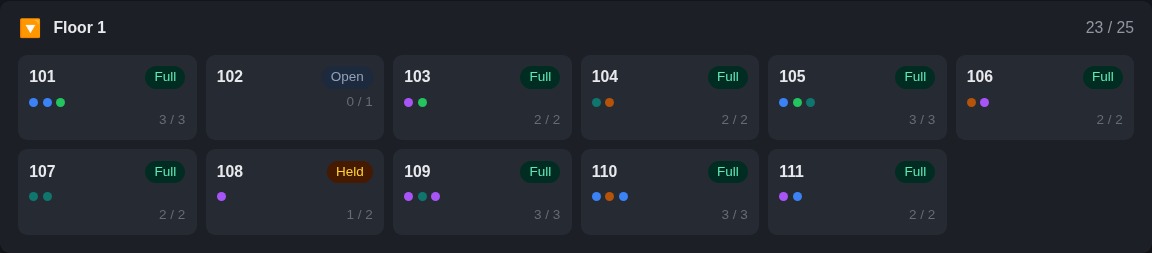
An expanded floor with room cards showing occupancy, availability and residents
Room 101 opened in Roomifi, showing its beds, resident assignments and room controls

03Resident records

View and update resident records.

Manage contact details, stays, keys and account activity.
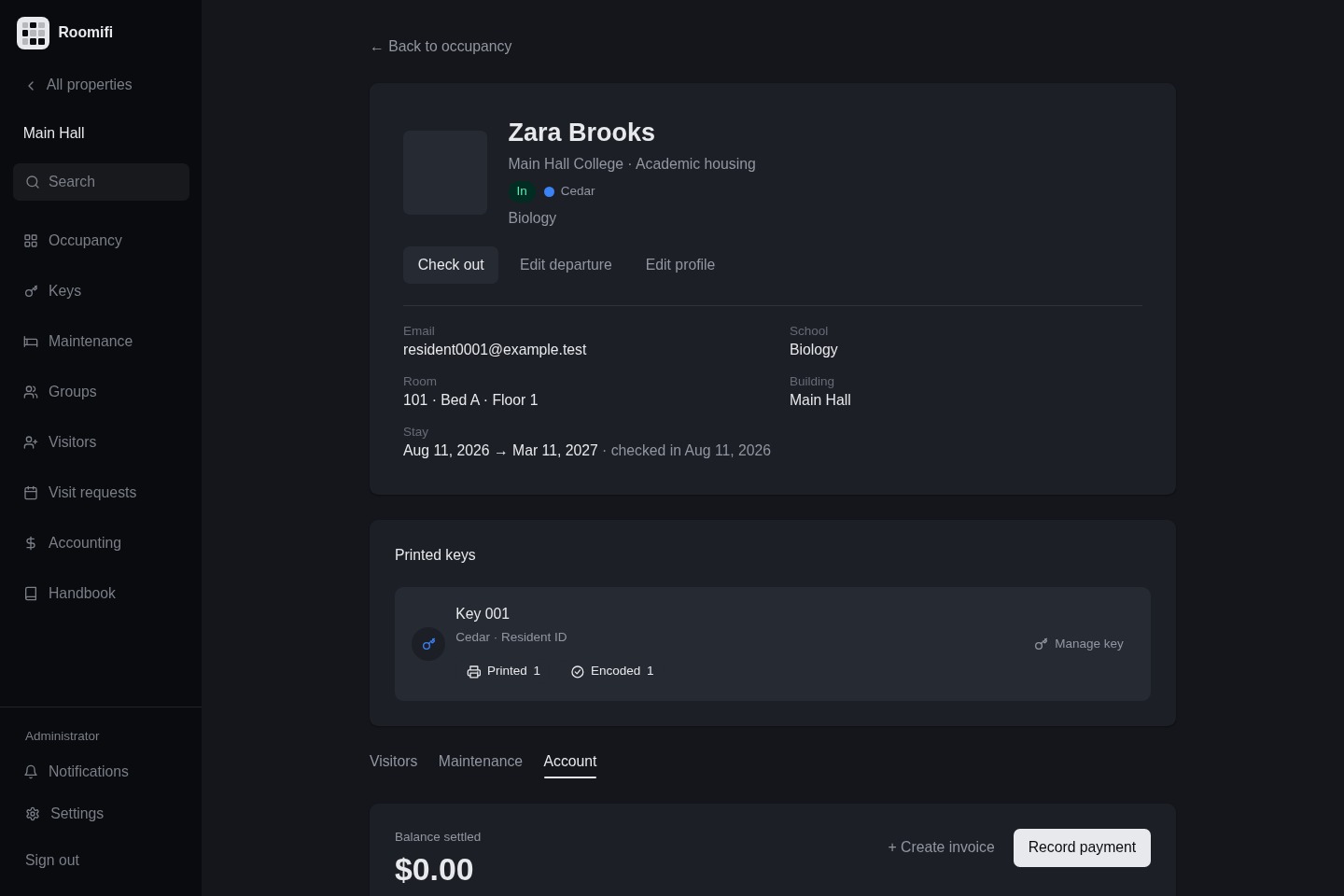
A specific resident profile opened in the admin workspace, with contact details, stay controls, keys and account information

04Guest management

Register and approve guests.

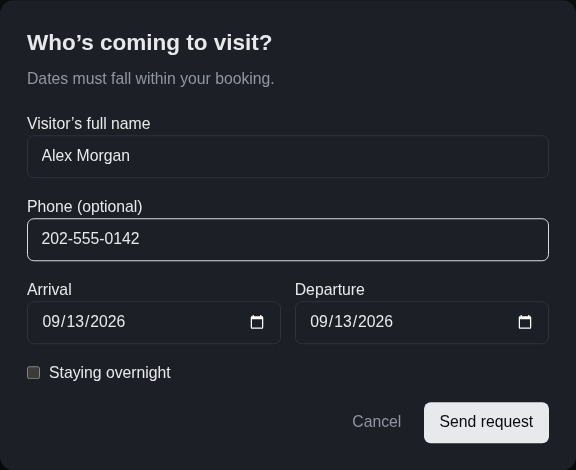
Register guests and review visits by host, room and date.
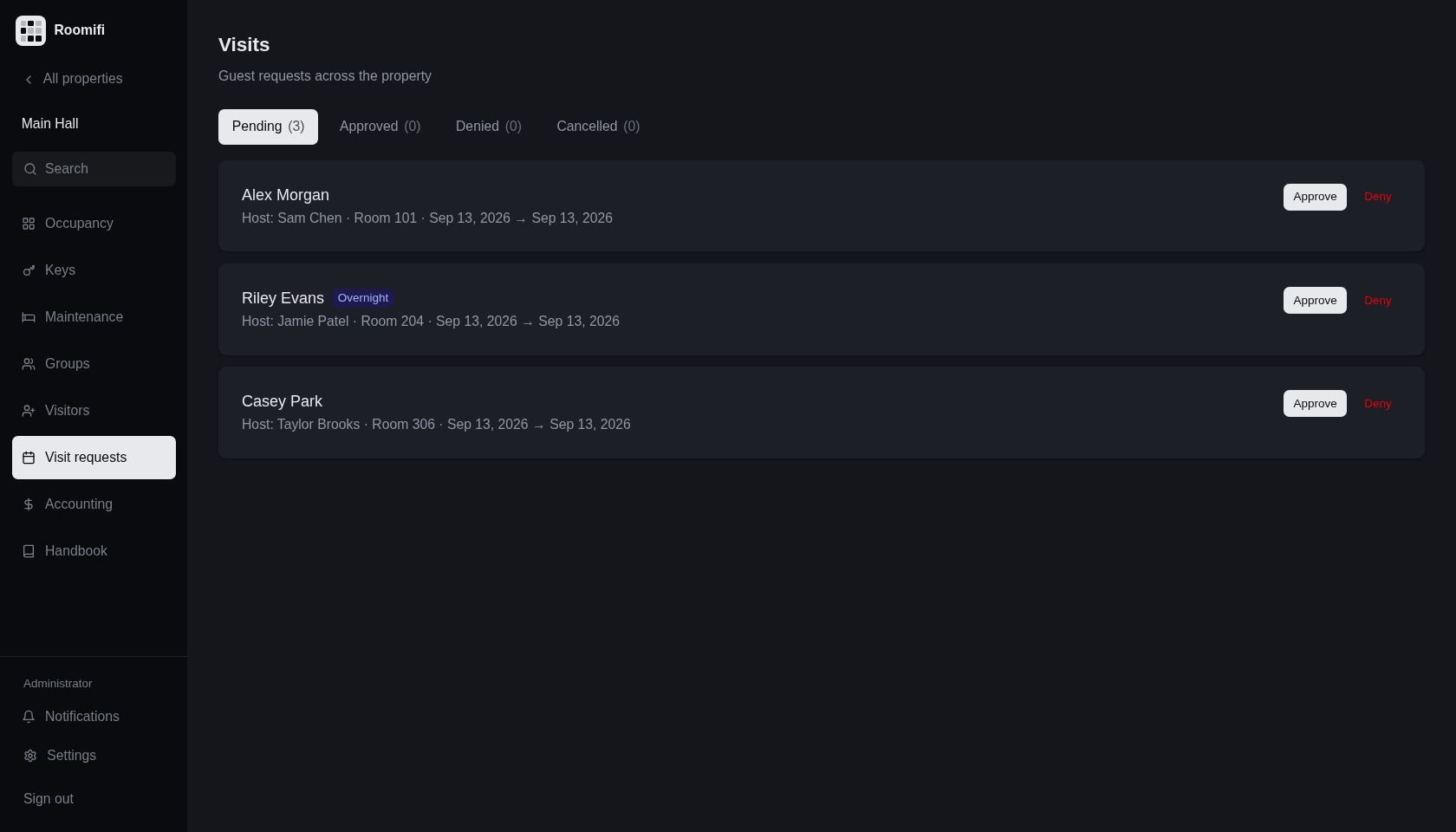
Guest requests with hosts, dates, rooms and approval controls
Register a guest with a name, dates and overnight option

05Maintenance

Submit and track repairs.

Submit repair requests and track progress by room and status.
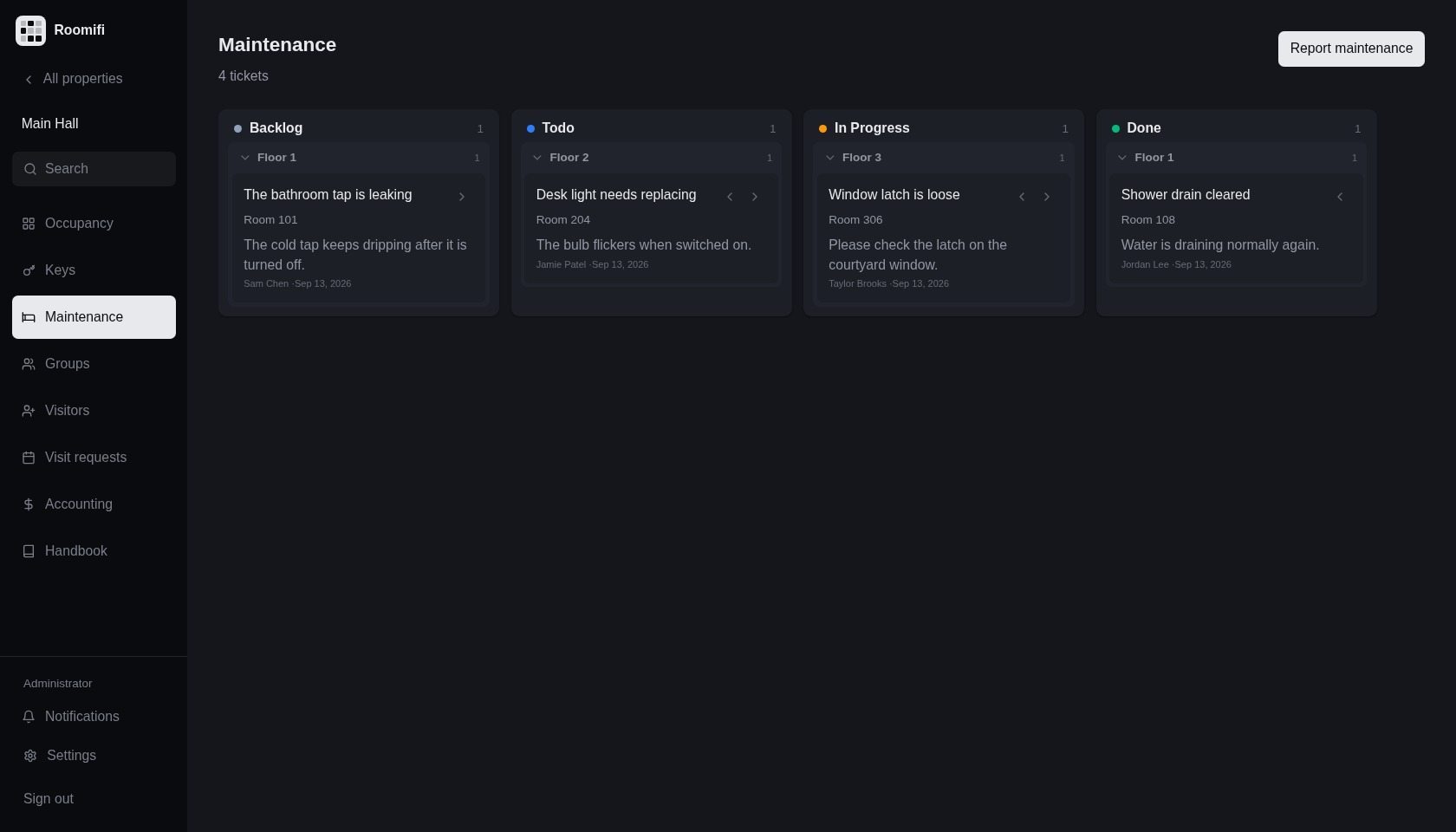
Repair tickets organised by status on the maintenance board
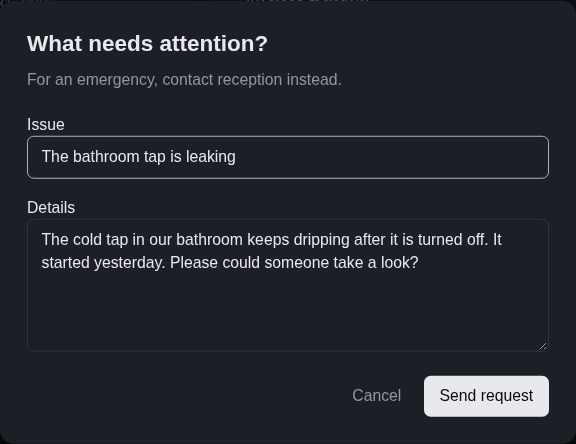
Submit a maintenance request with an issue and details

06Accounting

Track payments
and balances.

View charges, payments and overdue balances. Open an account for invoices and payment details.
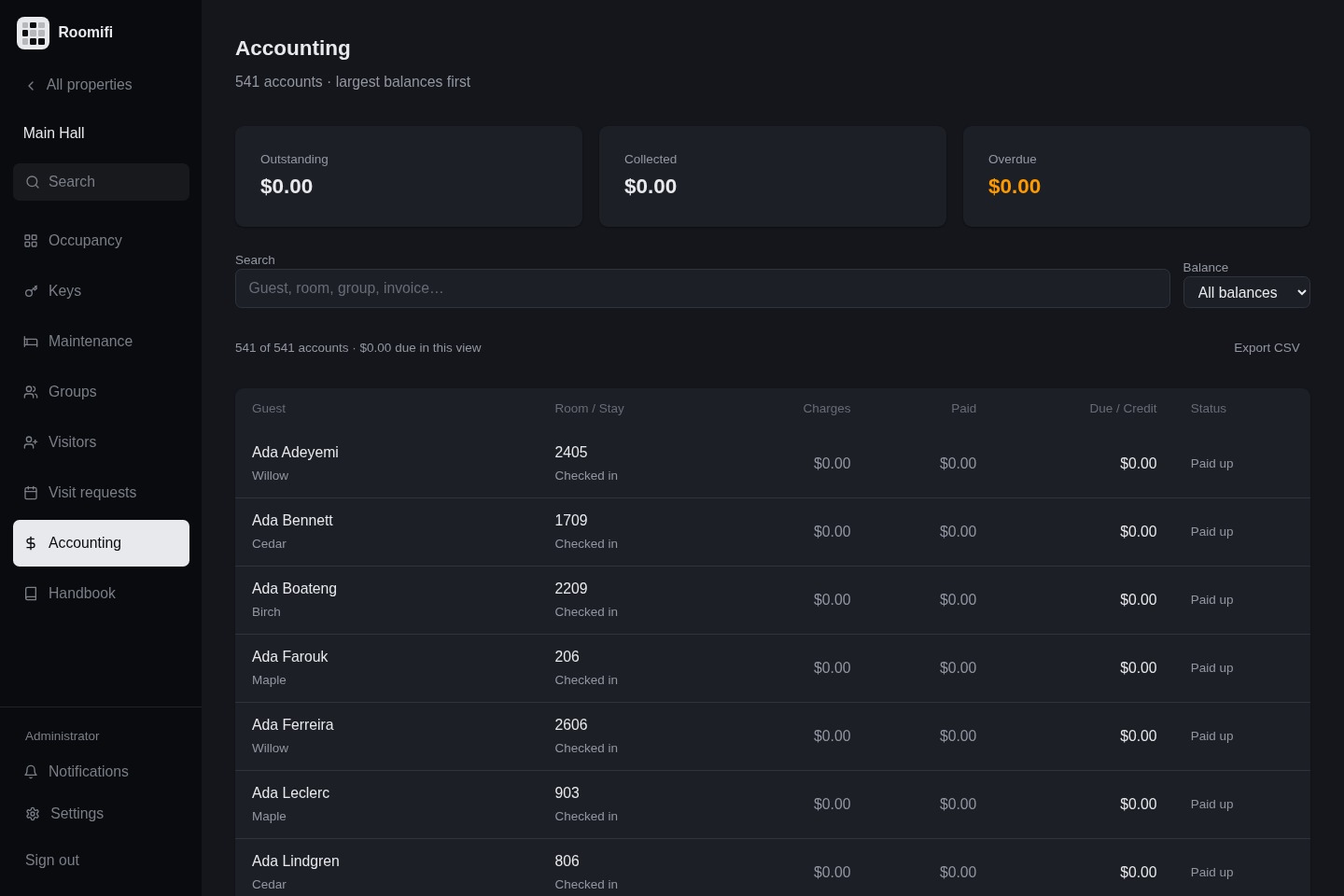
Admin accounting view with payment totals, outstanding balances and individual resident accounts

07 At the front desk

Review arrivals
and departures.

Track arrivals, departures, visitors and keys in one view.

The front desk view with expected arrivals and summaries for departures, visitors, beds and keys

Get started

Three steps to set up.

Create a property, import your rooms and start managing occupancy.

Create a property.

Give it a name and a short code. Addresses and photos can follow later.

Create your property

Sign in as an administrator to set up a property.
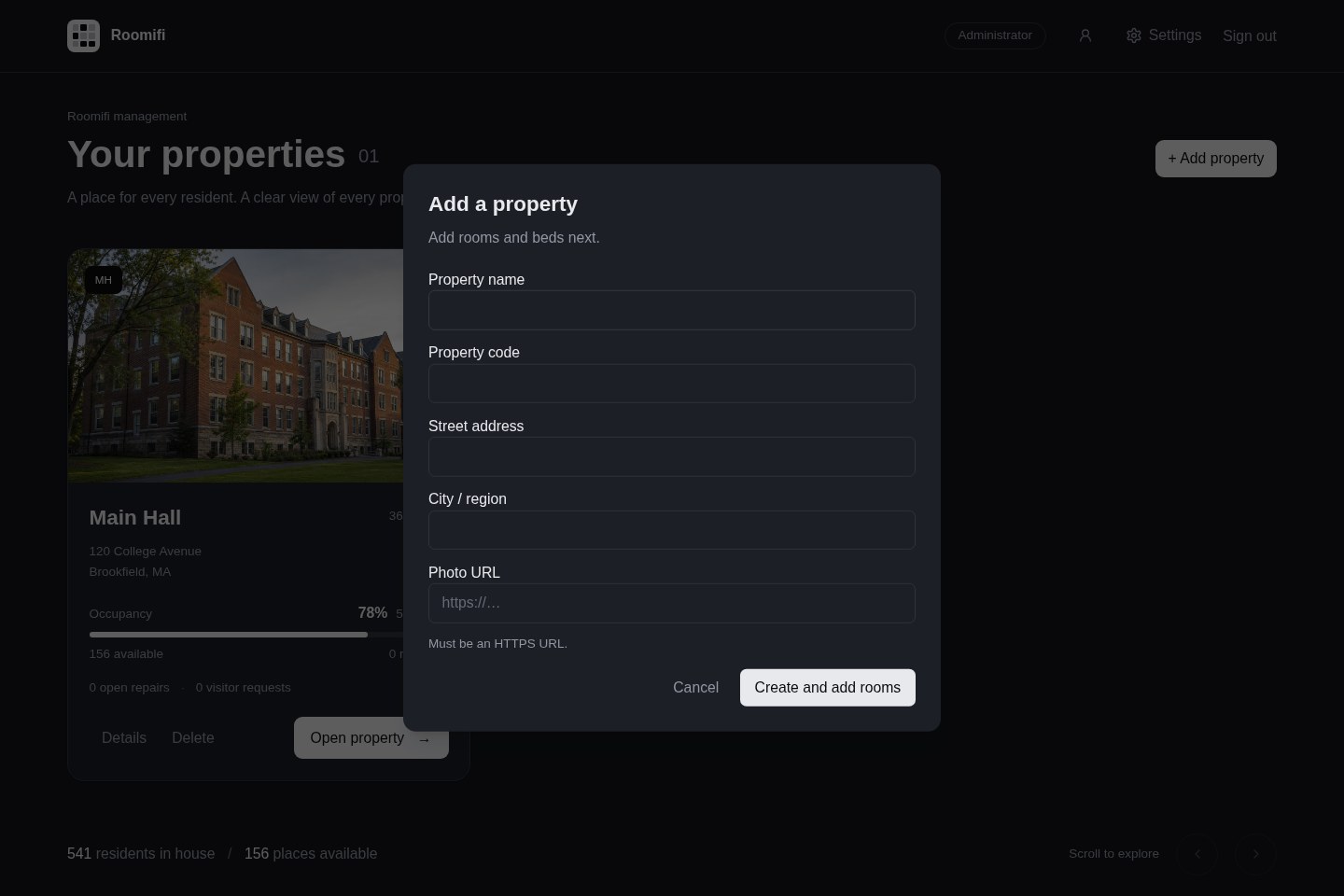
Create a property dialog in Roomifi
Step 1 of 3 · Create a property